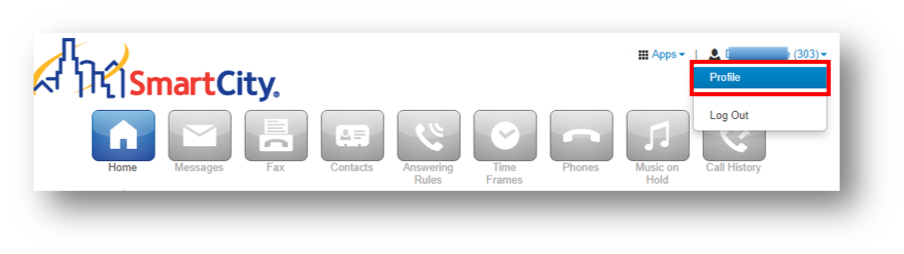
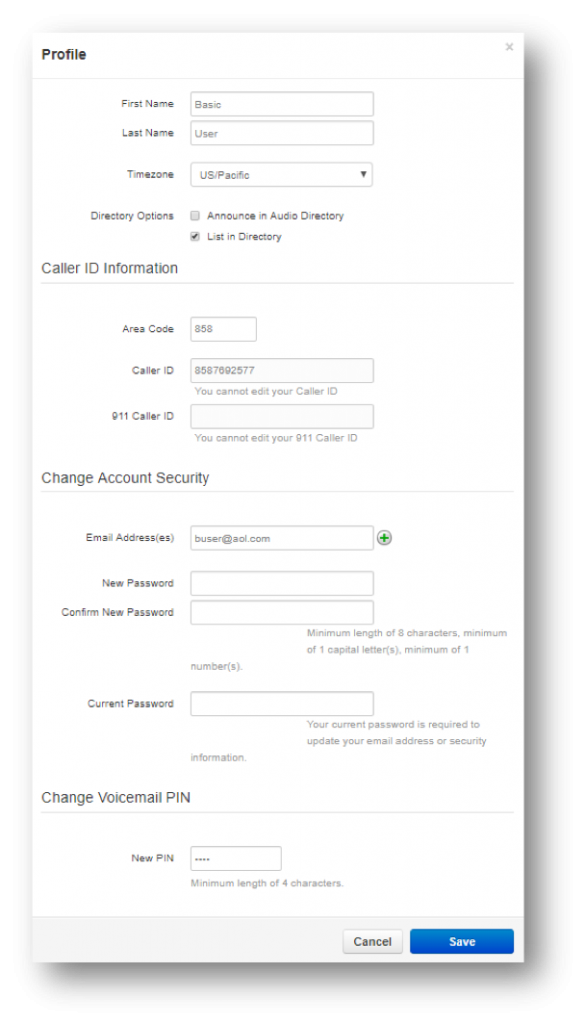
View/Change your Profile The Profile option allows you to change your account options, such as your first or last name and Time Zone. Clicking on the down arrow in the upper righthand corner will give you a dropdown to view your Profile. Updated on August 15, 2024 Tagged: Change ProfileEdit profileView Profile Was this article helpful? Yes No Related Articles Menu Bar Recent Call History Panel Desktop Call Control Check Voicemail Messages Navigating the Homepage Active Answering Rule Panel