Use the Call Center Supervisor dashboard to access the Contact Center Analytics tool.
To access Contact Center Analytics:
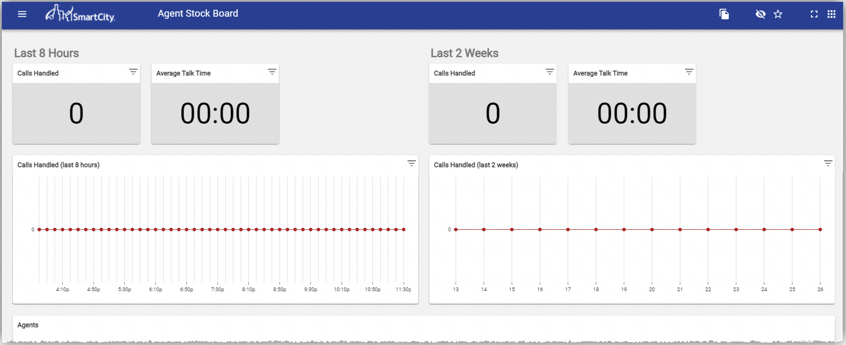
- Click the Contact Center Analytics button. The Contact Center Analytics tool opens and the general navigation and viewing boards display.
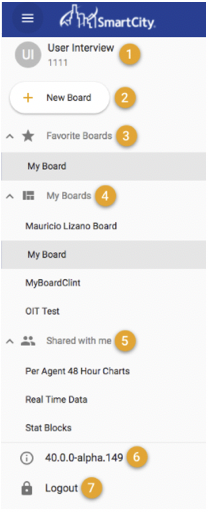
Click the Main Menu button to show the side navigation panel:
- Your logged-in user name and extension
- Add a new board button
- List of boards favorited by you
- List of boards favorited by you
- List of boards shared with you
- App version number
- Log out button