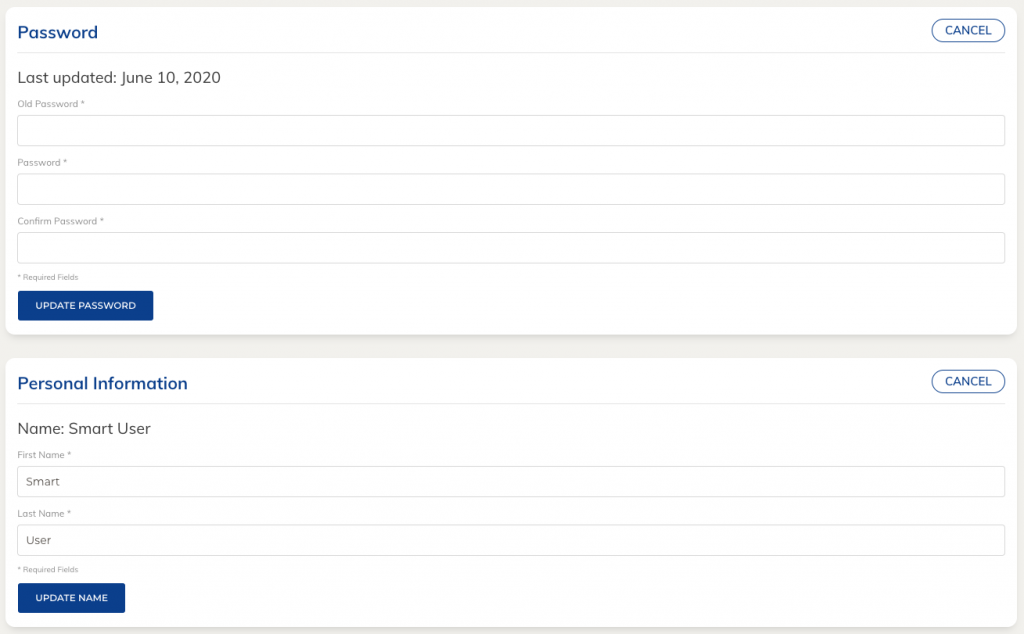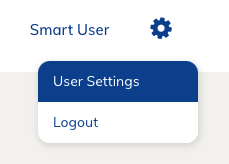
To change your password, go to your User Settings menu by clicking the Gear icon in the top-right corner of the screen. Updating your account information is made simple and easy through the User Settings. This menu contains all your account information in one easy-to-use location.
Clicking the Gear icon opens the drop-down menu, where the User Settings page is located. This page will contain your account information that can be edited through the use of the Edit button located next to each entry.
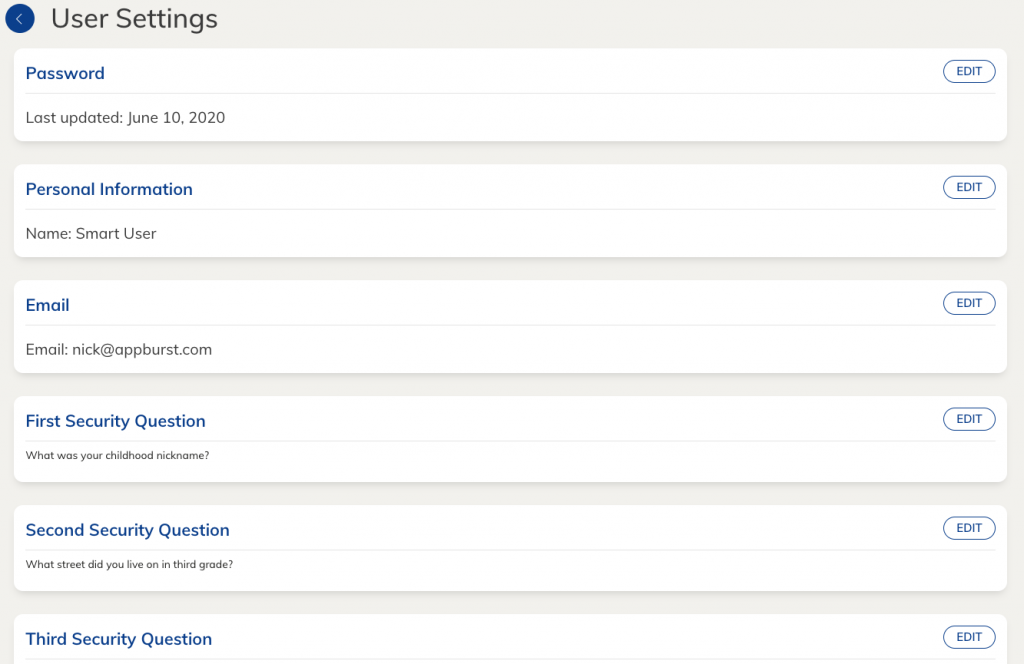
The edit button will expand the menu selection and make each field visible for you to begin editing. If you wish to discard your changes, simply click on the cancel button located in the same location or your updates can be saved by selecting the update button at the bottom of that section.