
1. To edit phones, from the Phone Hardware tab, either click a MAC address or hover over a phone number, and then click the edit icon on the far-right side.
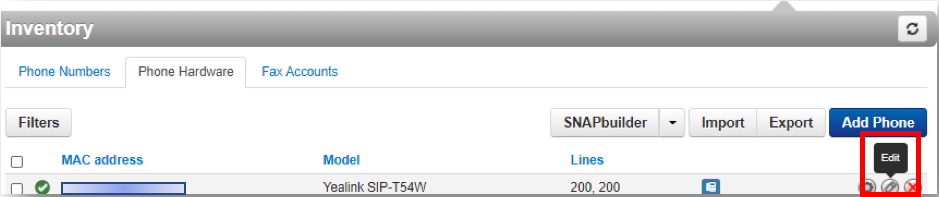
2. Either option will pop up an Edit phone pop-up window.
3. Complete the fields the in the Basic and Advanced tabs as found in the Phone Settings Tables.
4. Click Save.